
Purpose-built templates
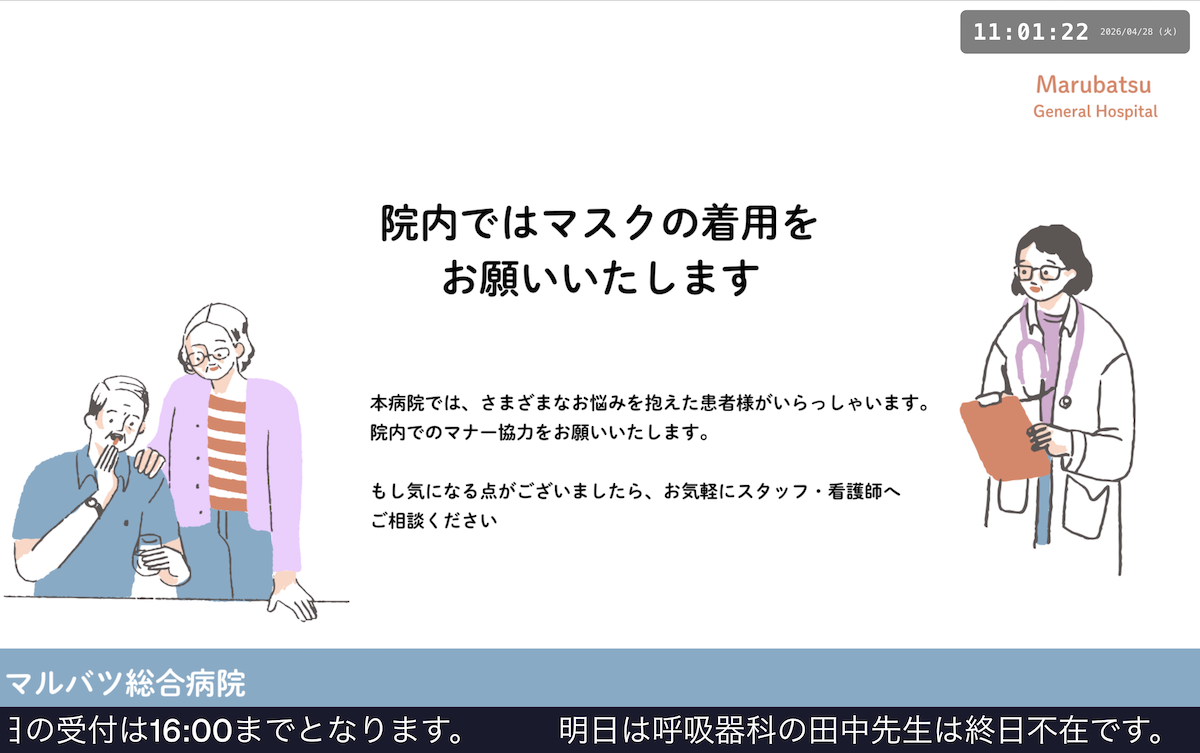
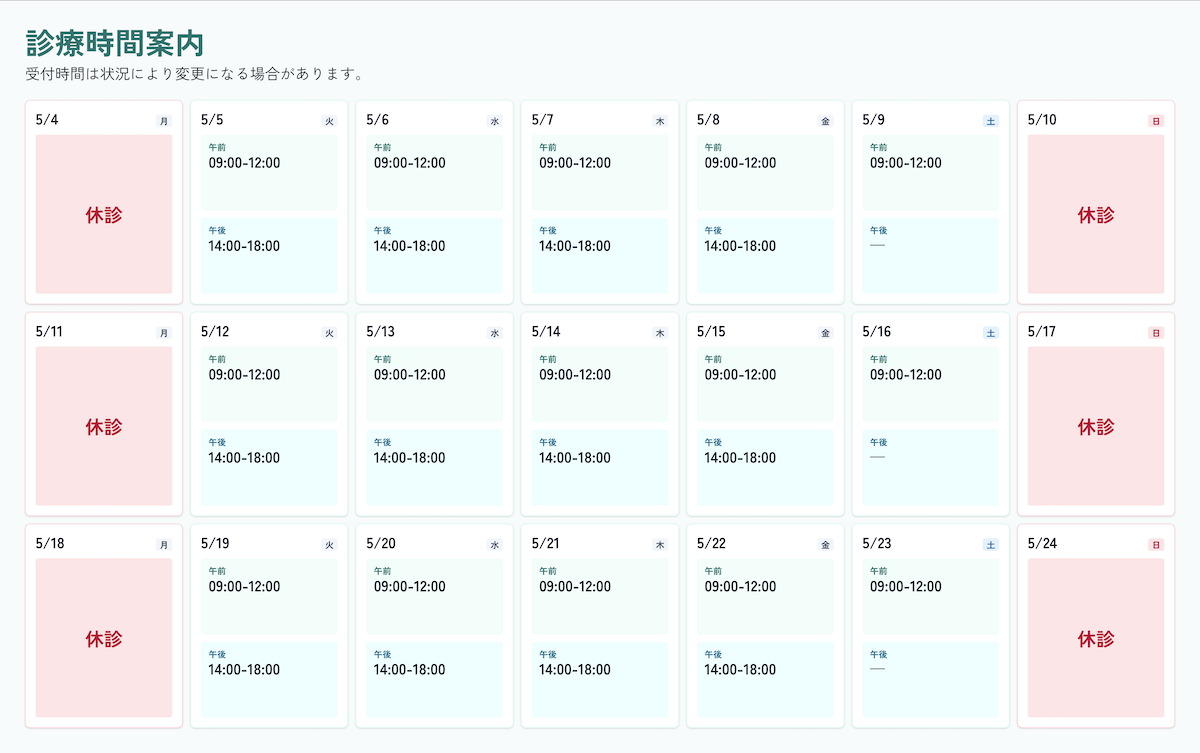
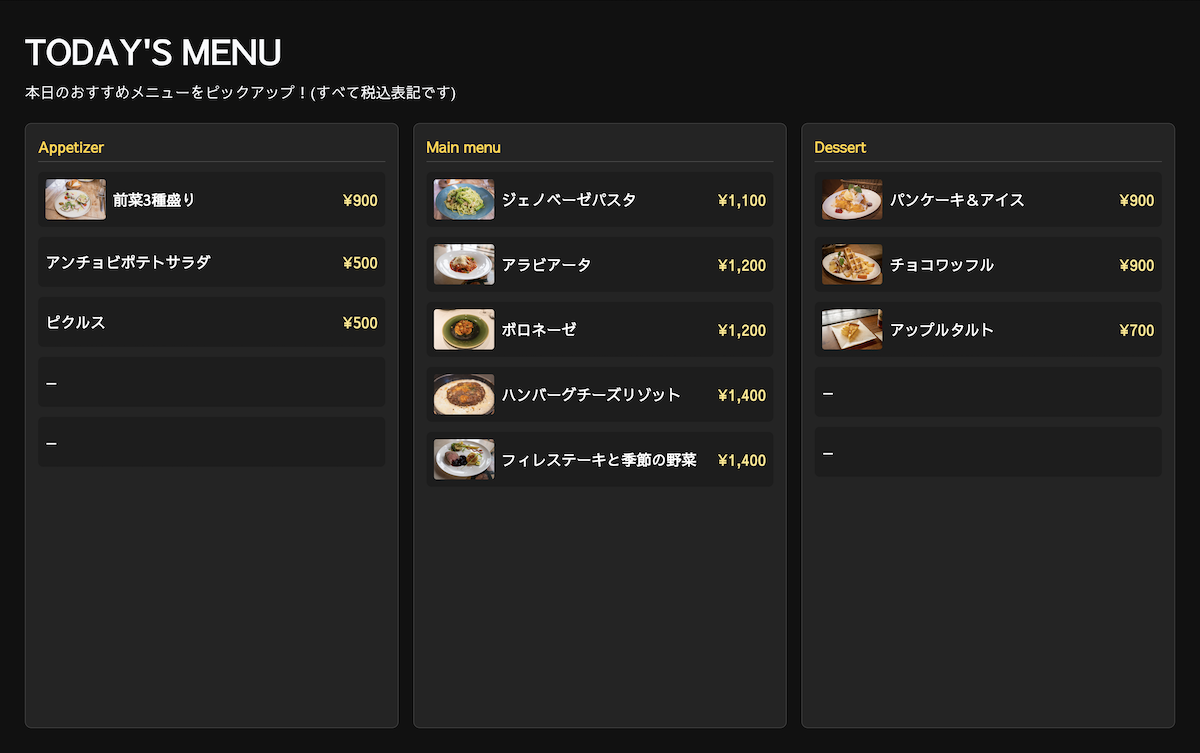
Use display templates for announcements, clinic boards, menus, queue calls, and more.
Open Source Digital Signage
Keinage is an open source signage app for clinics, restaurants, stores, and offices. Create announcements, menu boards, queue numbers, clock boards, and other display screens from a browser.
Features
Templates, live updates, integrations, and self-hosting in one simple product.
Use display templates for announcements, clinic boards, menus, queue calls, and more.
Create boards, update content, and change templates from the admin screen.
Push changes such as announcements and queue numbers to display devices quickly.
Self-hosted teams can inspect the code and adapt the system to their environment.
Examples
See how the screens look in place, from a small clinic to an office entrance and a cozy restaurant.
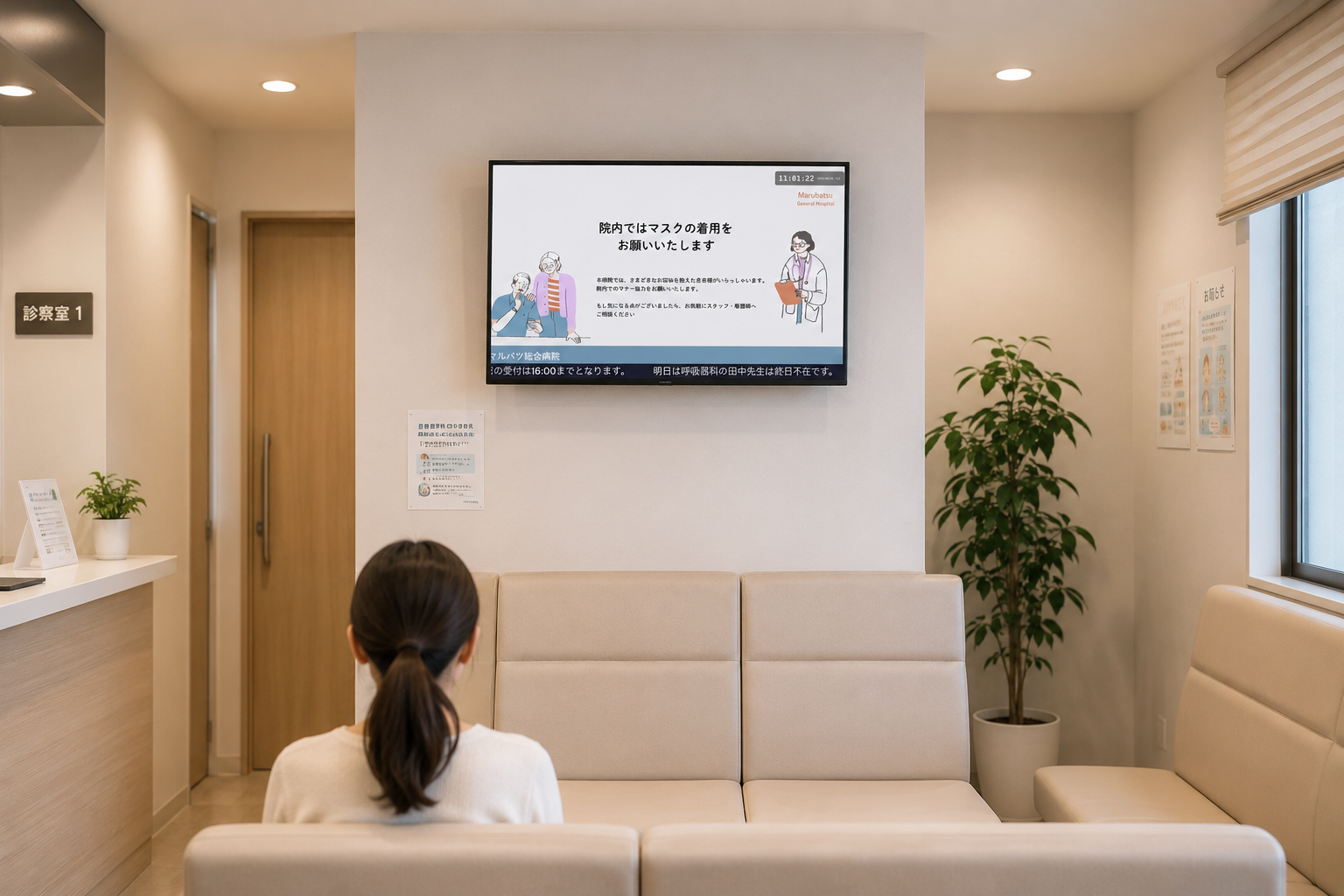
A sample setup using the simple board template to show clinic hours and same-day notices on a small reception display.
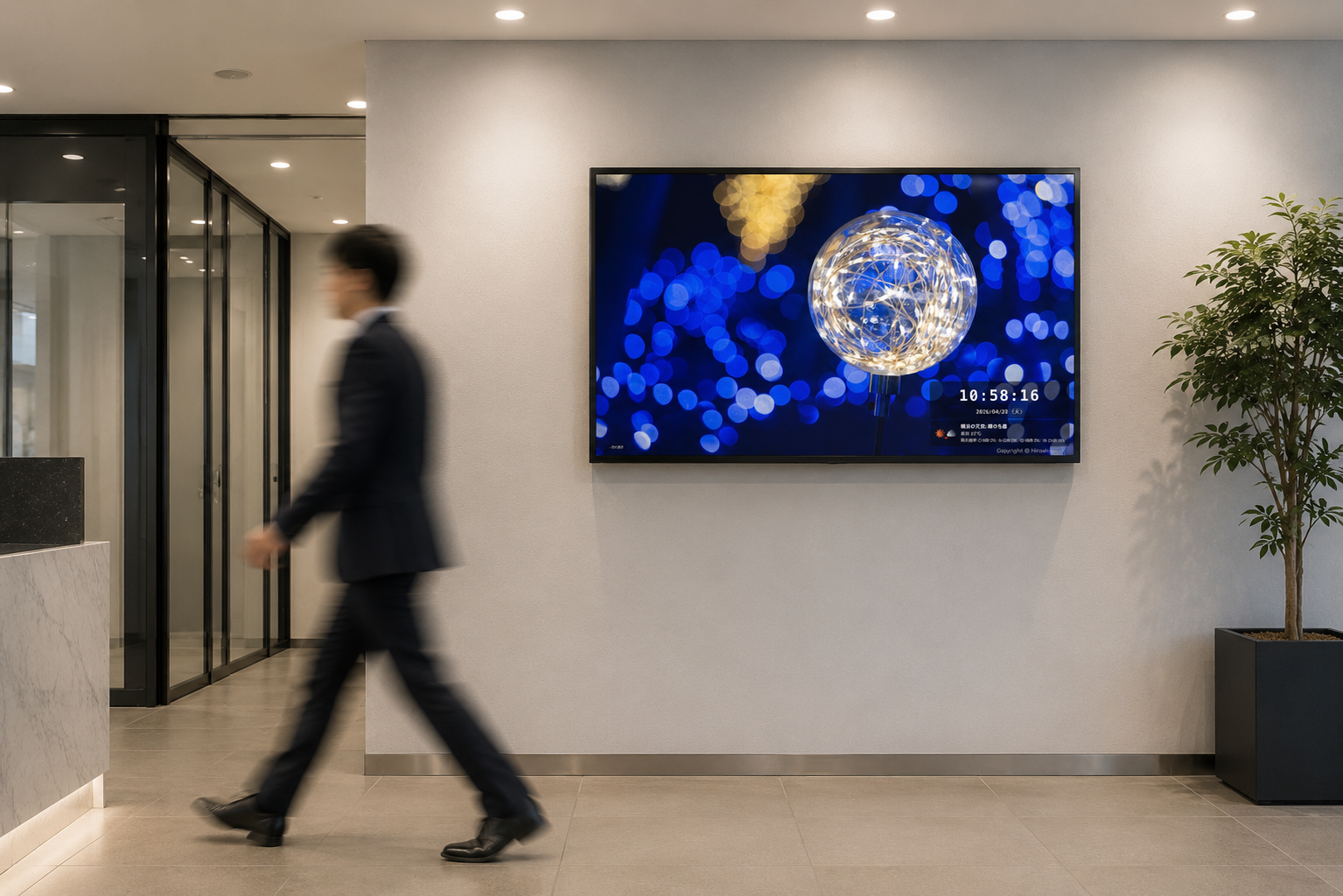
A sample entrance display using the Photo Clock template to combine the current time with welcoming visuals.
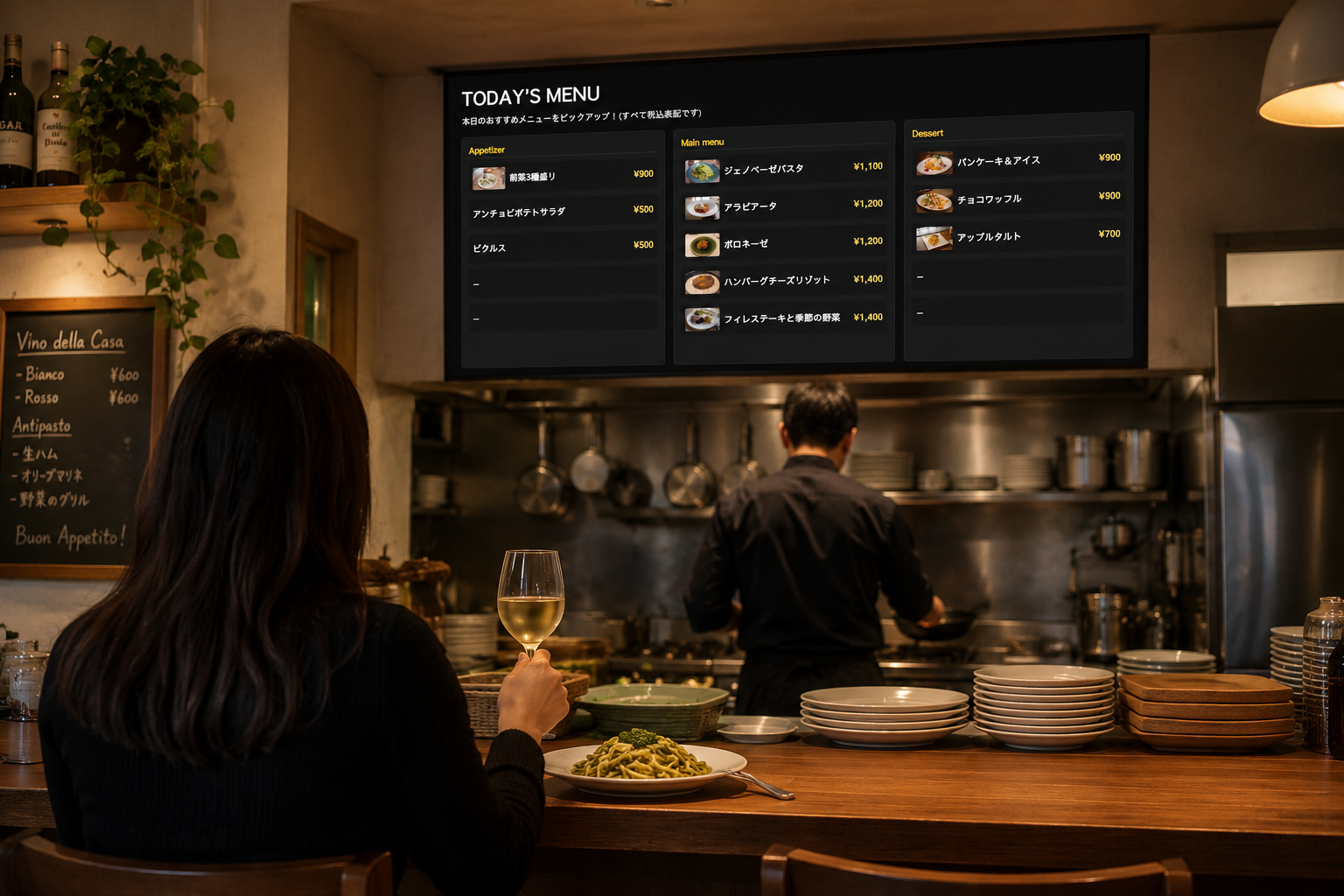
A sample menu display using the Menu template to present featured dishes and pricing in a warm, polished layout.
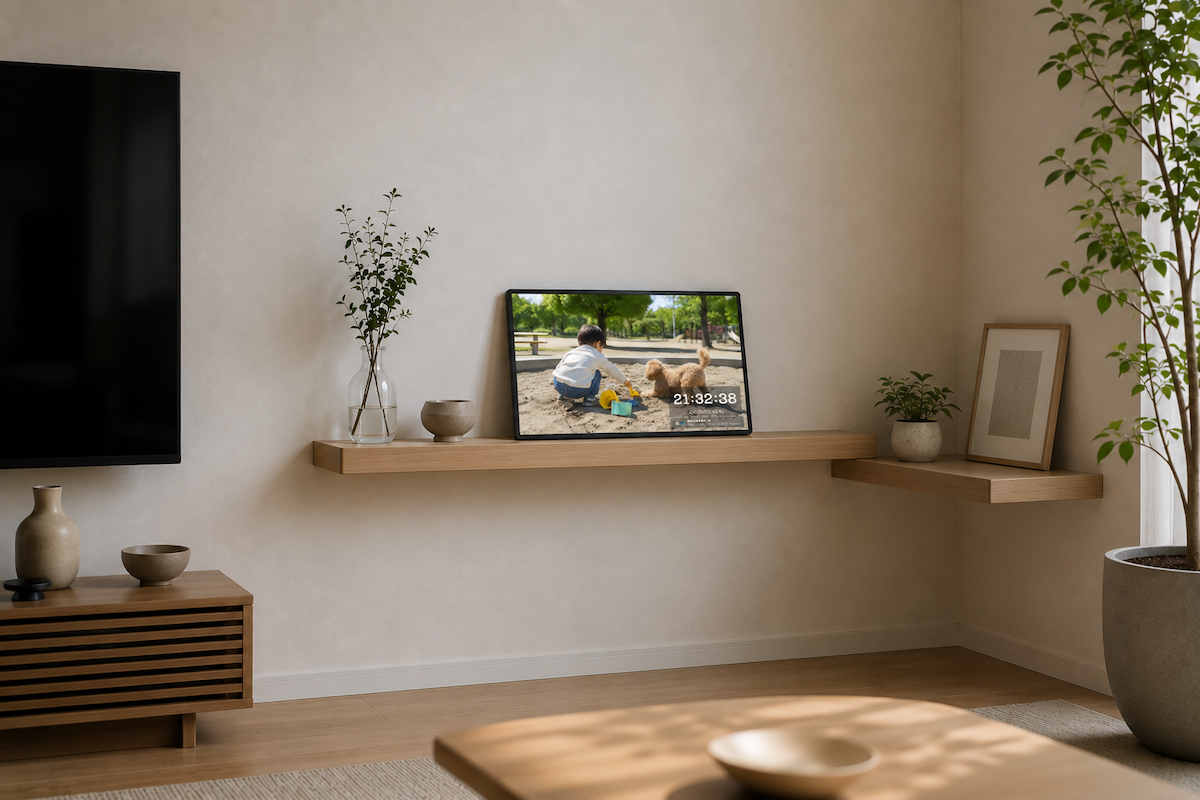
A home display example using the Photo Clock template to show children's photos on a tablet or compact monitor and turn a shelf or living space into a gentle photo display.
Images are for illustrative purposes. AI-generated imagery is used.
Admin
Login, admin PIN setup, and board editing are handled in the browser. Self-hosted teams can manage the environment according to their own policies.
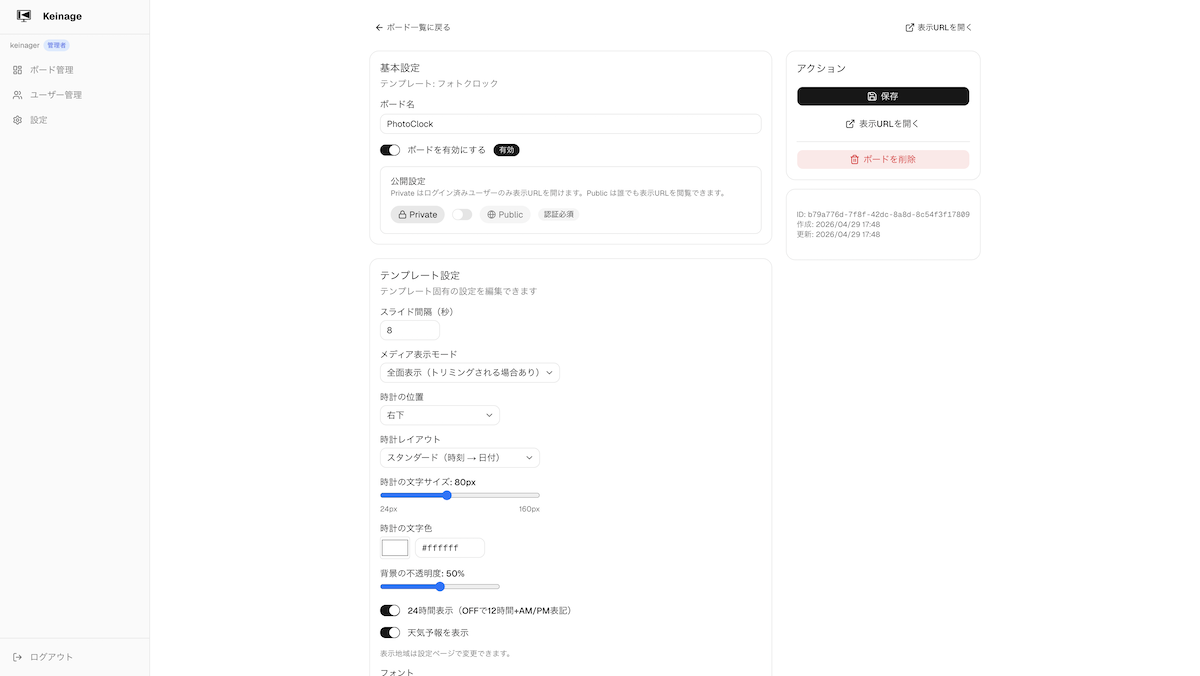
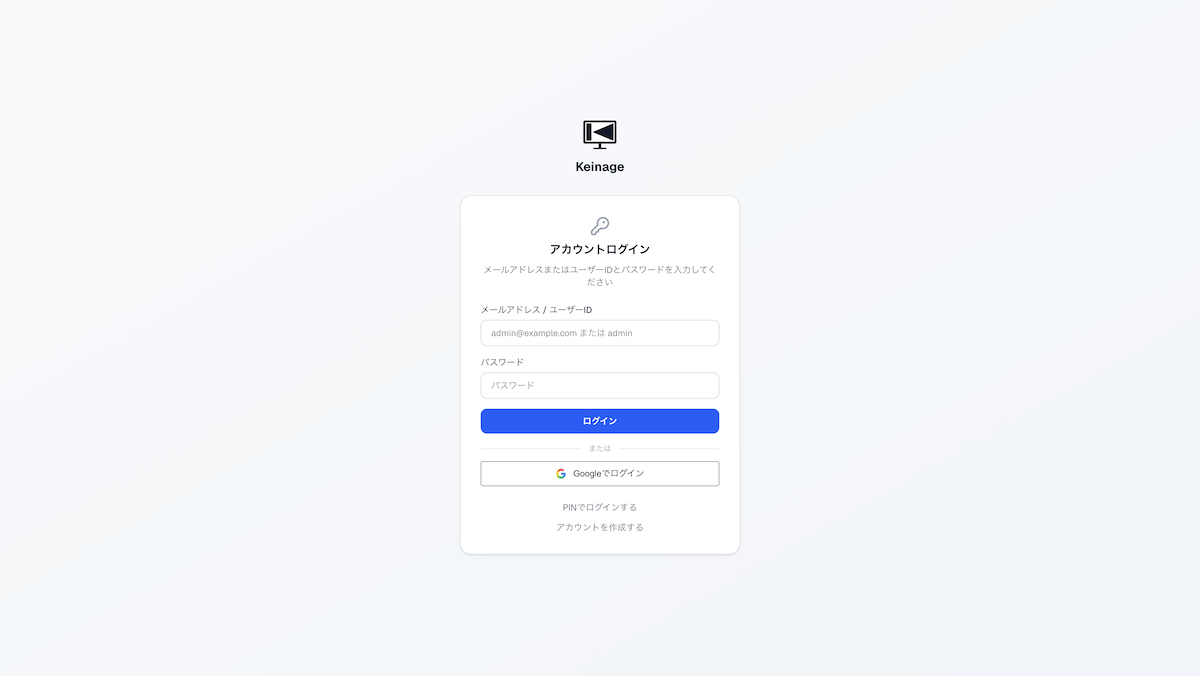
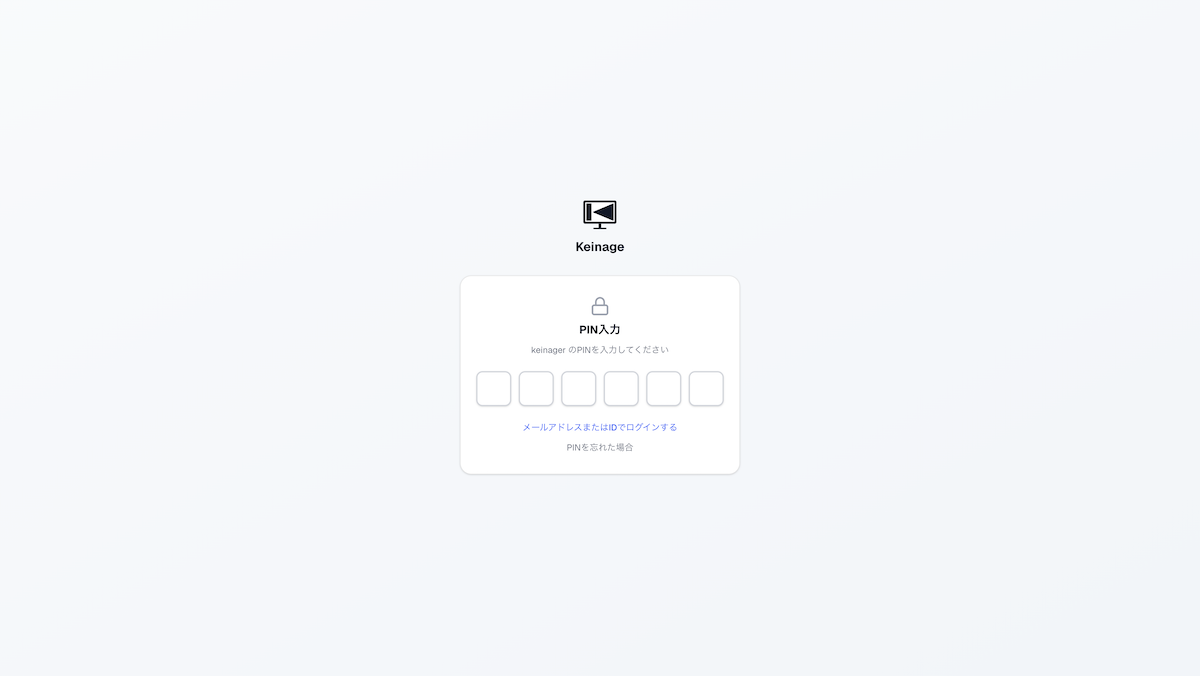
Templates
The home page highlights eight representative screens. See the directory page for all board templates, including the newly added ones.

Show photos or videos together with the time and weather.
A general-purpose signage board that combines media and text.
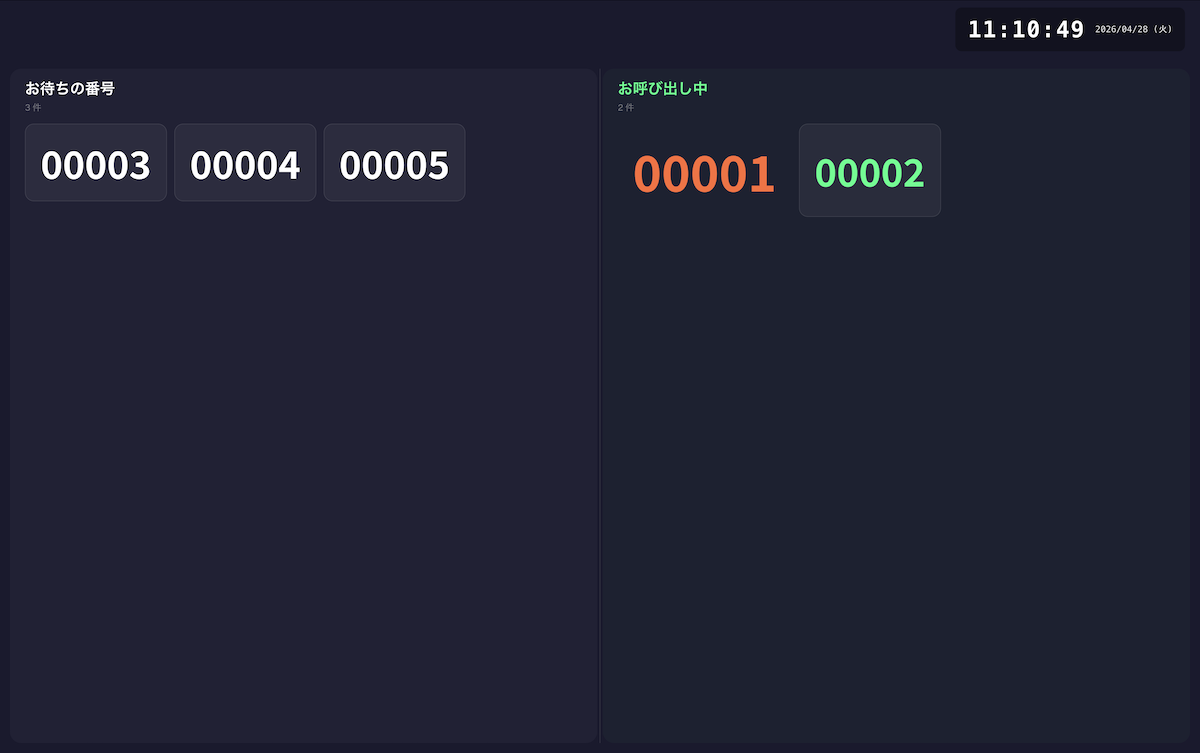
Display queue numbers and call notices in a simple layout.
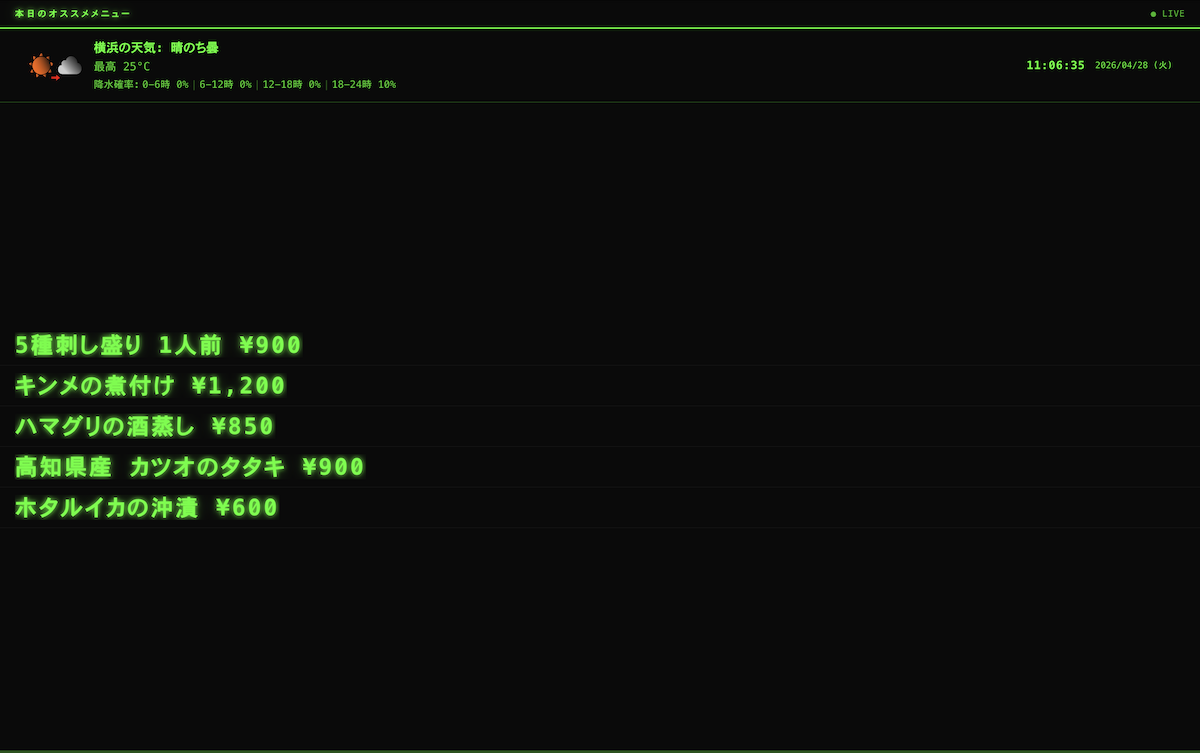
A retro electronic-board style screen for short announcements.
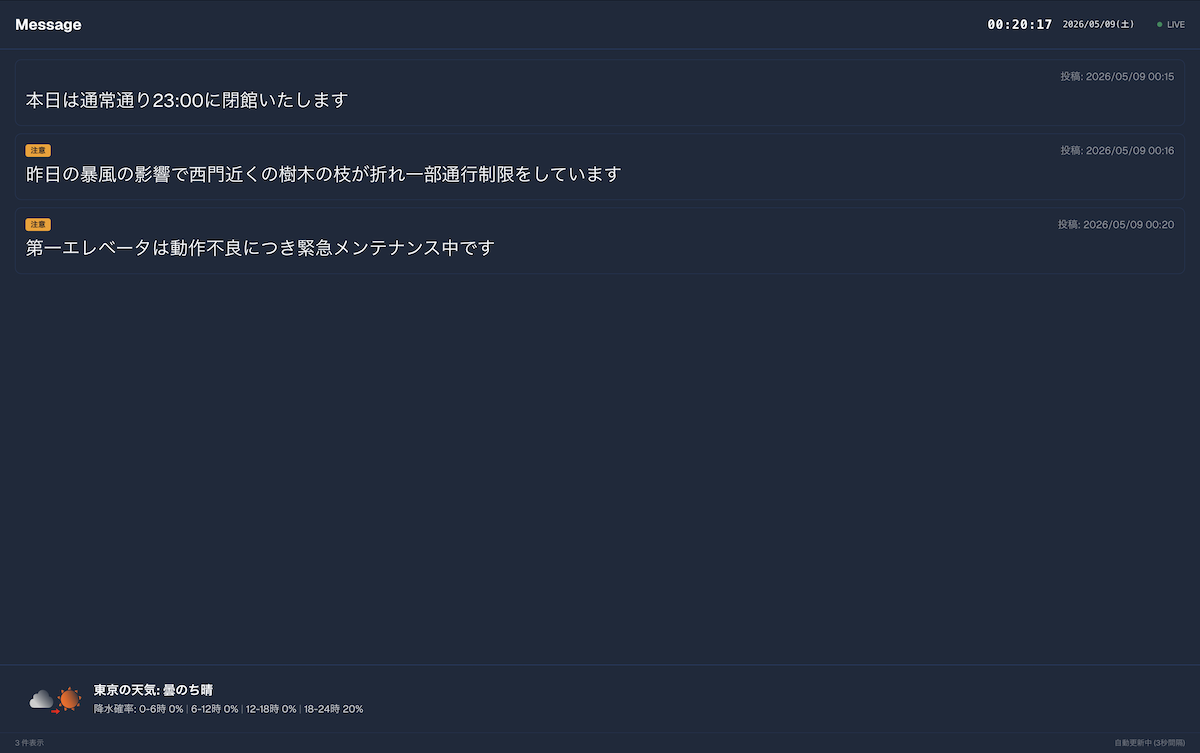
Rotate multiple messages on a clean bulletin board.
Display clinic hours and facility guidance in a calm layout.
Present restaurant menus and promotions in an easy-to-read layout.
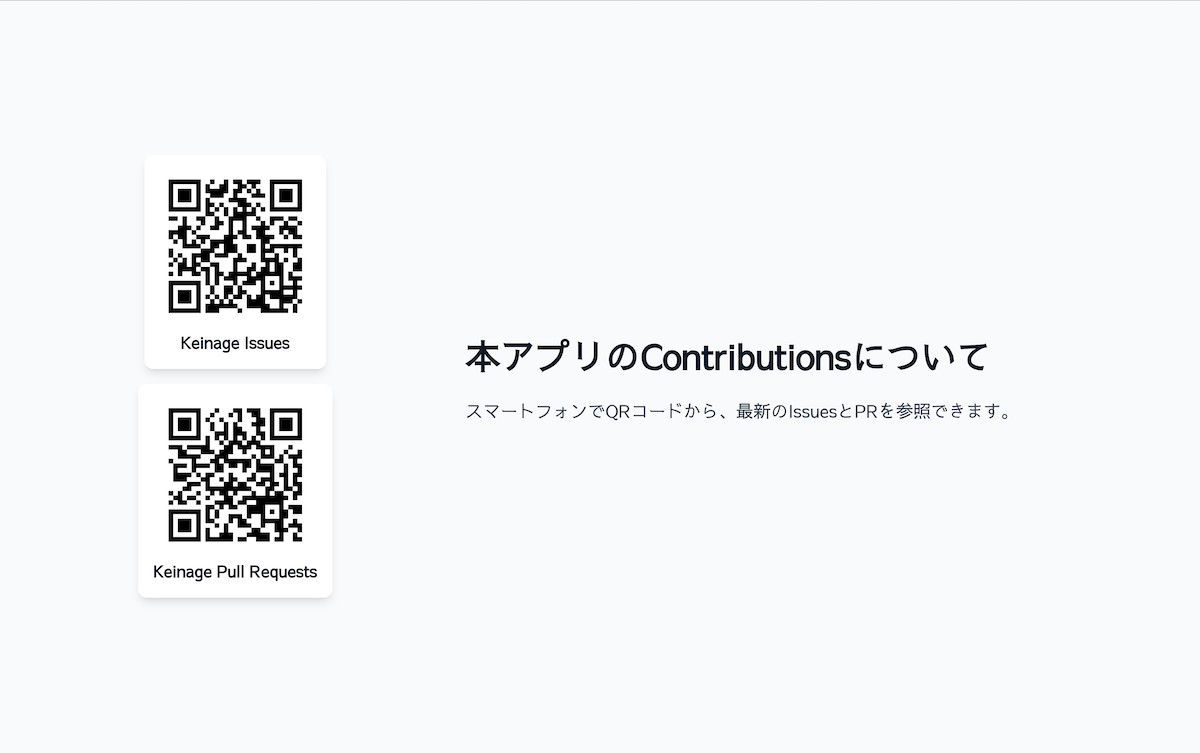
Show QR codes together with a clear next action.
Self-host
git clone https://github.com/HiroshiARAKI/Keinage.git
cd Keinagedocker compose up -dVisit http://localhost:3000, register an admin PIN, and create your first board.
Start
The source code is available on GitHub. You can deploy and evaluate it for free on your own server or internal environment.